Modern businesses rely heavily on email, cloud storage, and online collaboration tools. While these tools improve productivity, they also increase exposure to cyber threats such as phishing, ransomware, data leaks, and unauthorized access.
For business leaders, security is no longer just an IT concern—it is a business risk management priority. Downtime, data breaches, and compliance failures can directly impact revenue, brand trust, and legal standing.
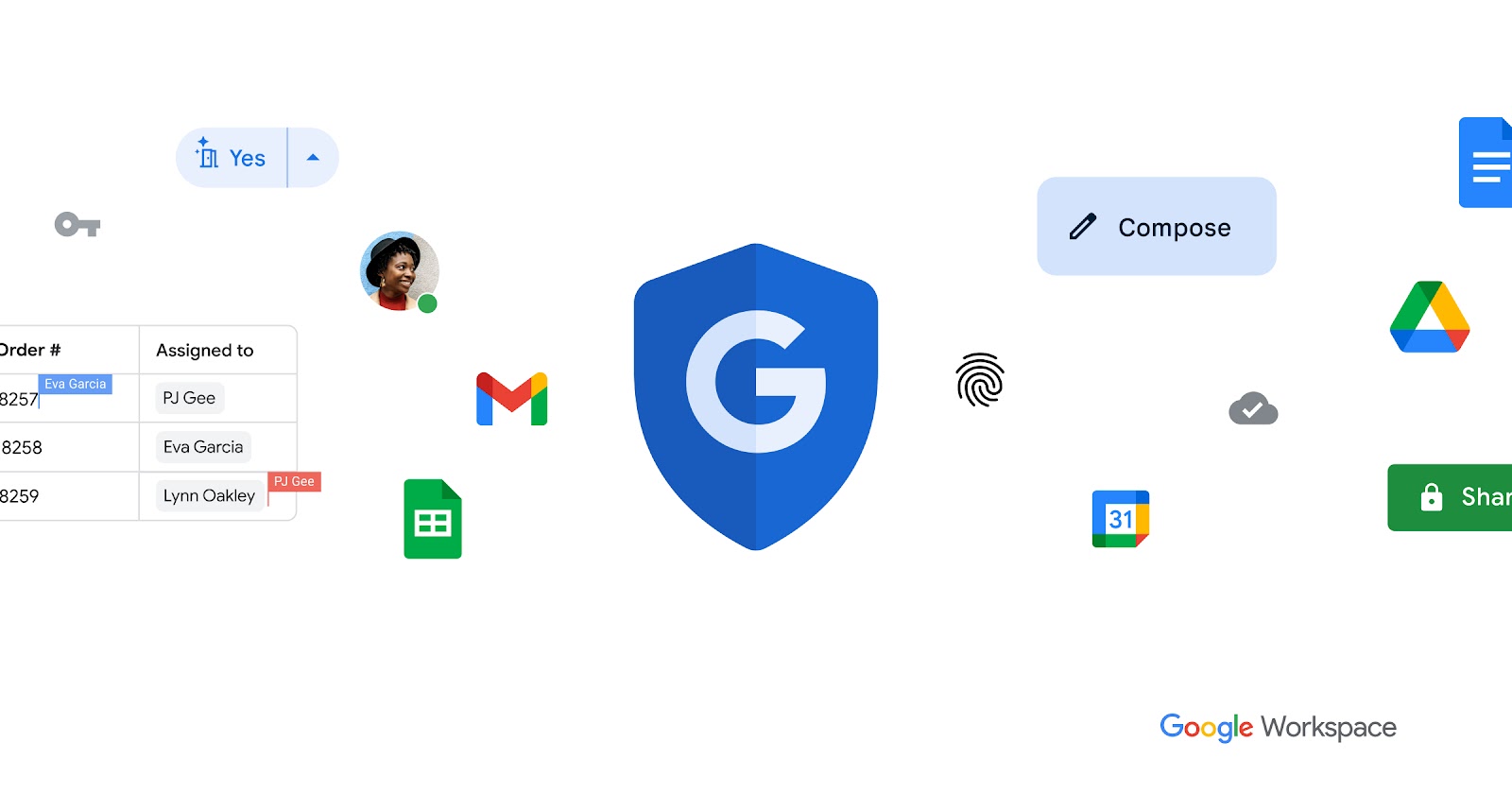
Google Workspace is built with security at its core. In this article, we explain Google Workspace security features in simple, non-technical terms, so business owners, CXOs, and non-IT decision-makers can clearly understand how their data is protected.
What Is Google Workspace Security?
Google Workspace security is a collection of built-in protections designed to keep your emails, files, meetings, and user accounts safe—without slowing down employees.
Unlike traditional security models that rely heavily on manual controls, Google Workspace uses a Zero Trust, cloud-native approach, where every access request is continuously verified.
How Google Workspace Protects Your Business Data
1. Advanced Email Security (Protection Against Phishing & Spam)
Simple Explanation
Email is the most common entry point for cyberattacks. Google Workspace uses the same security infrastructure that protects billions of Gmail users worldwide.
It automatically scans incoming emails for spam, phishing attempts, malware, and suspicious links—before they ever reach your inbox.
How This Helps Your Business
- Blocks phishing emails pretending to be banks or executives
- Stops malicious attachments automatically
- Reduces risk of credential theft
2. Encryption: Keeping Your Data Private
Simple Explanation
Encryption means your data is locked so that only authorized users can read it.
Google Workspace encrypts data:
- While it is being sent (in transit)
- While it is stored in Google’s data centres (at rest)
How This Helps Your Business
- Protects sensitive emails and files
- Prevents data interception
- Meets global security standards
3. Strong Login Protection with Multi-Factor Authentication (MFA)
Simple Explanation
A password alone is not enough. Multi-Factor Authentication (MFA) adds an extra verification step—such as a mobile prompt or one-time code—when users log in.
Even if a password is stolen, attackers cannot access the account without the second factor.
How This Helps Your Business
- Prevents unauthorized access
- Protects accounts from password leaks
- Reduces insider and external threats
4. Zero Trust Security Model
Simple Explanation
Zero Trust means no user or device is trusted automatically, even if they are inside the company network.
Google Workspace continuously checks:
- Who the user is
- Which device they are using
- Where they are logging in from
How This Helps Your Business
- Limits damage from compromised accounts
- Improves visibility into suspicious activity
- Protects remote and hybrid teams
5. Device Management (Keeping Company Data Safe on Any Device)
Simple Explanation
Employees often access work emails and files from personal laptops or mobile phones. Google Workspace allows IT teams to apply security rules without invading personal privacy.
Admins can enforce screen locks, remotely wipe company data, and restrict access from unsafe devices.
How This Helps Your Business
- Protects data on lost or stolen devices
- Supports secure BYOD (Bring Your Own Device)
- Reduces risk from unmanaged endpoints
6. Data Loss Prevention (DLP): Preventing Accidental Data Leaks
Simple Explanation
Data Loss Prevention (DLP) stops sensitive information—such as financial data or personal details—from being shared accidentally or intentionally.
Google Workspace can automatically detect and block risky actions, such as sharing confidential files externally.
How This Helps Your Business
- Prevents accidental data leaks
- Protects intellectual property
- Supports compliance requirements
7. Advanced Threat Detection with AI
Simple Explanation
Google uses Artificial Intelligence (AI) to detect unusual behavior, such as suspicious login patterns or abnormal file activity.
These threats are identified and blocked in real time.
How This Helps Your Business
- Faster threat detection
- Reduced manual monitoring
- Proactive security protection
8. Secure File Sharing & Access Controls
Simple Explanation
Not every file should be accessible to everyone. Google Workspace allows precise control over who can view, comment on, or edit files.
Access can be revoked instantly if roles change or employees leave.
How This Helps Your Business
- Prevents unauthorized file access
- Simplifies collaboration with partners
- Improves data governance
9. Audit Logs & Security Monitoring
Simple Explanation
Audit logs record important activities such as logins, file sharing, and admin changes.
These logs help IT teams understand what happened if there is a security incident.
How This Helps Your Business
- Improves transparency
- Helps with compliance audits
- Enables faster incident response
10. Compliance & Regulatory Support
Simple Explanation
Many industries must follow regulations like GDPR, ISO standards, or HIPAA.
Google Workspace is built to support these compliance requirements through security controls and data handling practices.
How This Helps Your Business
- Supports global compliance standards
- Reduces legal risk
- Simplifies audit readiness
Google Workspace Security for Different Business Roles
For Business Owners & CXOs
- Reduced risk of data breaches
- Strong protection without complexity
- Better trust with customers and partners
For IT Teams
- Centralized security management
- Less manual work
- Strong visibility and control
For Employees
- Secure access without friction
- Fewer disruptions
- Safe collaboration
How CloudFirst Helps Secure Your Google Workspace
Security tools are effective only when configured correctly. CloudFirst helps organizations:
- Assess security risks
- Configure security policies
- Enable MFA and Zero Trust
- Implement DLP and device controls
- Monitor and optimize security continuously
Final Conclusion
Google Workspace security is designed to be powerful, intelligent, and user-friendly. It protects business data against modern threats while allowing teams to work efficiently.
For organizations seeking strong security without complexity, Google Workspace offers a reliable, enterprise-grade solution.
Talk to CloudFirst to strengthen your Google Workspace security and protect your business with confidence.