Microsoft’s standard agreement for enterprise customers is the Microsoft Products and Services Data Protection Addendum (DPA). This document governs how Microsoft processes personal data on your behalf across M365, Azure, and other Microsoft services. Without an executed DPA, your use of M365 is not DPDP-compliant regardless of any other configuration.
Review Microsoft’s Subprocessor List
Microsoft uses subprocessors — third-party vendors — to deliver M365 services. Under the DPDP Act, you need visibility into who else is processing your data. Microsoft publishes an online list of M365 subprocessors that you should review and document.
Section 2: Data Residency Configuration
Check Your Microsoft 365 Tenant Data Location
By default, Microsoft 365 stores data in the region associated with your tenant’s billing country. For Indian organisations, this is typically the Asia Pacific region — which may include data centres in Singapore, not India.
Admin path: Microsoft 365 Admin Centre → Settings → Org settings → Organisation profile → Data location
Evaluate Microsoft 365 Advanced Data Residency (ADR)
For organisations that need to ensure data stays within India, Microsoft offers Microsoft 365 Advanced Data Residency (ADR) — an add-on that guarantees specific workload data is stored in a chosen country/region. As of 2026, India is an available ADR location.
Review Teams Meeting Recording Storage Location
Teams meeting recordings are stored in OneDrive (personal meetings) and SharePoint (channel meetings). These locations inherit the data residency configuration of your M365 tenant and must be covered by your retention policies.
Section 3: Data Retention and Deletion
Configure Microsoft Purview Retention Policies
Admin path: Microsoft Purview Compliance Portal → Data lifecycle management → Microsoft 365 → Retention policies
Configure retention policies for:
- Exchange email (recommended: 3–7 years with deletion at end of period)
- Teams channel messages and chats (recommended: 1–3 years with deletion)
- SharePoint and OneDrive files (retention period varies by document type)
- Teams meeting recordings (recommended: 90 days for standard meetings)
Enable Teams Recording Expiry
Admin path: Teams Admin Centre → Meetings → Meeting policies → Recording expiry → set to 60 or 90 days for standard policy
Section 4: Data Loss Prevention
Enable Microsoft Purview DLP for Indian Personal Data
Admin path: Microsoft Purview Compliance Portal → Data loss prevention → Policies → Create policy
Deploy DLP policies that detect Aadhaar numbers, PAN numbers, and Indian financial account details. Block or warn when these are being shared externally.
Configure Sensitivity Labels
Create sensitivity labels that reflect your DPDP Act data classification — at minimum: Personal Data, Sensitive Personal Data, and Non-Personal Data. Apply these to your most sensitive SharePoint libraries.
Section 5: Access Controls and Identity
Audit Guest Access in Microsoft 365
Conduct a quarterly audit of all guest accounts in your Microsoft Entra ID tenant. Configure Entra ID Access Reviews to automate this process.
Admin path: Microsoft Entra Admin Centre → Identity Governance → Access reviews → New access review → Guest users
Enable Conditional Access Policies
Implement Conditional Access policies that require MFA for all users accessing personal data, block access from non-compliant devices to sensitive SharePoint sites, and restrict access from high-risk locations.
Section 6: Breach Notification Readiness
Enable Microsoft Purview Audit Logging
Admin path: Microsoft Purview Compliance Portal → Audit → Start recording user and admin activity
Enable Audit (Standard) for all users, and Audit (Premium) for administrators and users with access to sensitive personal data.
Document Your Breach Response Procedure
Document a written breach response procedure that covers who is responsible for assessing potential breaches, the criteria for determining whether a breach requires DPDP Act notification, and the process for notifying the Data Protection Board.
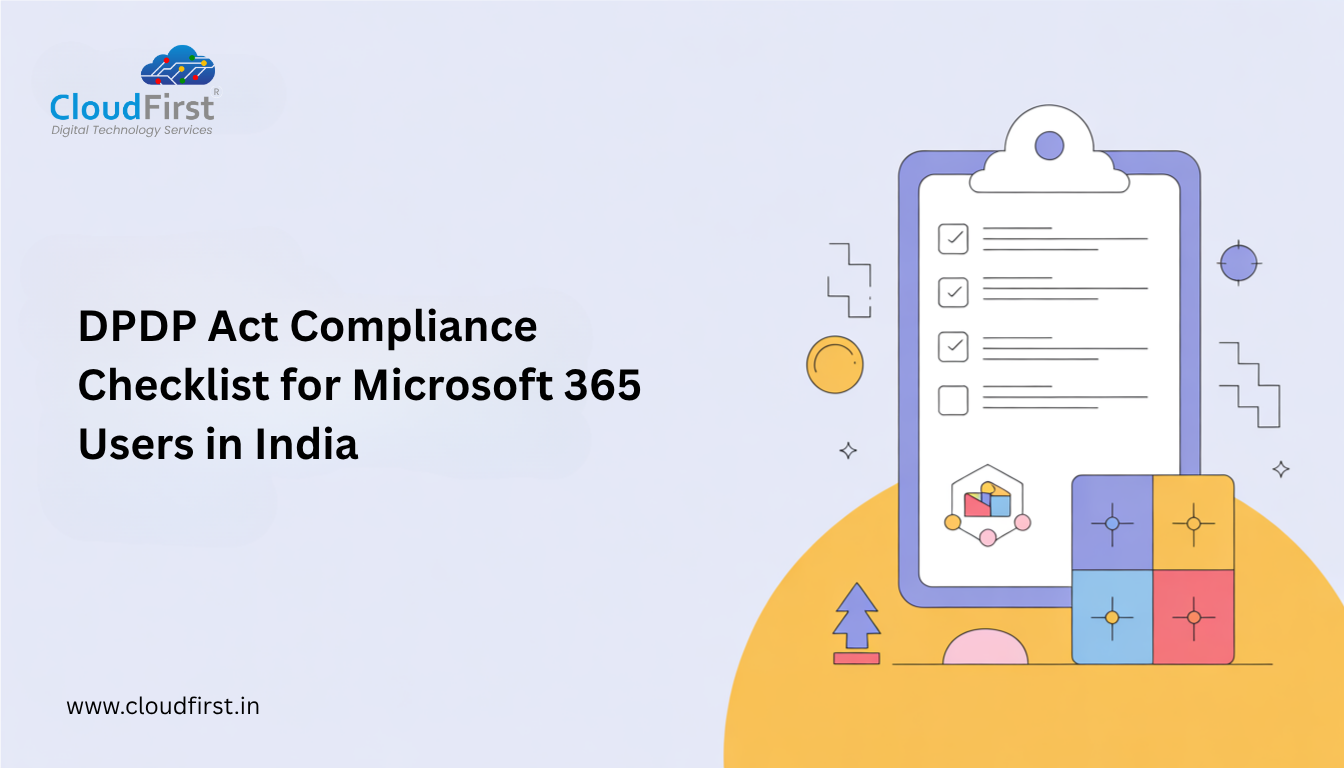
Microsoft 365 DPDP Compliance Priority Order
- Execute the Microsoft DPA — this is a legal prerequisite for everything else
- Check and document your tenant data location
- Configure retention and deletion policies in Microsoft Purview
- Enable audit logging
- Audit and remove unnecessary guest access
- Deploy DLP policies for Indian personal data categories
- Configure Teams recording expiry
- Document your breach response procedure
CloudFirst is a Microsoft 365 Partner for Indian enterprises. Talk to an M365 expert today → cloudfirst.in/microsoft-office-365.php
Frequently Asked Questions
Q: Does Microsoft 365 store data in India?
By default, M365 stores data in the region associated with your tenant’s billing country. For Indian tenants, this is typically the Asia Pacific geo, which may include Singapore. Microsoft 365 Advanced Data Residency (ADR) is the mechanism to guarantee data storage within India specifically.
Q: Do we need Microsoft Purview for DPDP compliance?
Microsoft Purview provides the compliance tools needed for DPDP Act obligations — retention policies, DLP, audit logging, content search. Many of these are included in M365 E3 and above. If you are on Business Premium or F-tier licences, your Purview access may be limited, which creates a compliance gap.
Q: Is Microsoft DPDP Act compliant?
Microsoft’s services are designed to support customer compliance with data protection laws including the DPDP Act. However, compliance is a shared responsibility — Microsoft provides the tools and agreements, but your organisation must configure them correctly.