Productivity in the modern workplace is no longer about working longer hours—it’s about working smarter with the right tools. As organizations move toward remote, hybrid, and digital-first operations, traditional email servers, scattered tools, and manual workflows often become major productivity bottlenecks.
Google Workspace is designed to solve these challenges by creating a unified, cloud-based environment where communication, collaboration, content creation, and security work together seamlessly.
This article explains how Google Workspace improves productivity in practical, measurable ways, and why businesses adopt it as a core workplace platform.
1. Understanding Productivity in the Digital Workplace
Before exploring Google Workspace, it’s important to understand what limits productivity today.
Common workplace challenges include:
- Information silos across departments
- Version confusion due to file sharing via email
- Delays caused by meetings and approvals
- Difficulty collaborating across locations
- Security concerns slowing down access
Google Workspace addresses these issues by reducing friction in everyday work.
2. Unified Communication Reduces Context Switching
One of the biggest productivity drains is context switching—moving between multiple apps for email, chat, meetings, and scheduling.
How Google Workspace Solves This
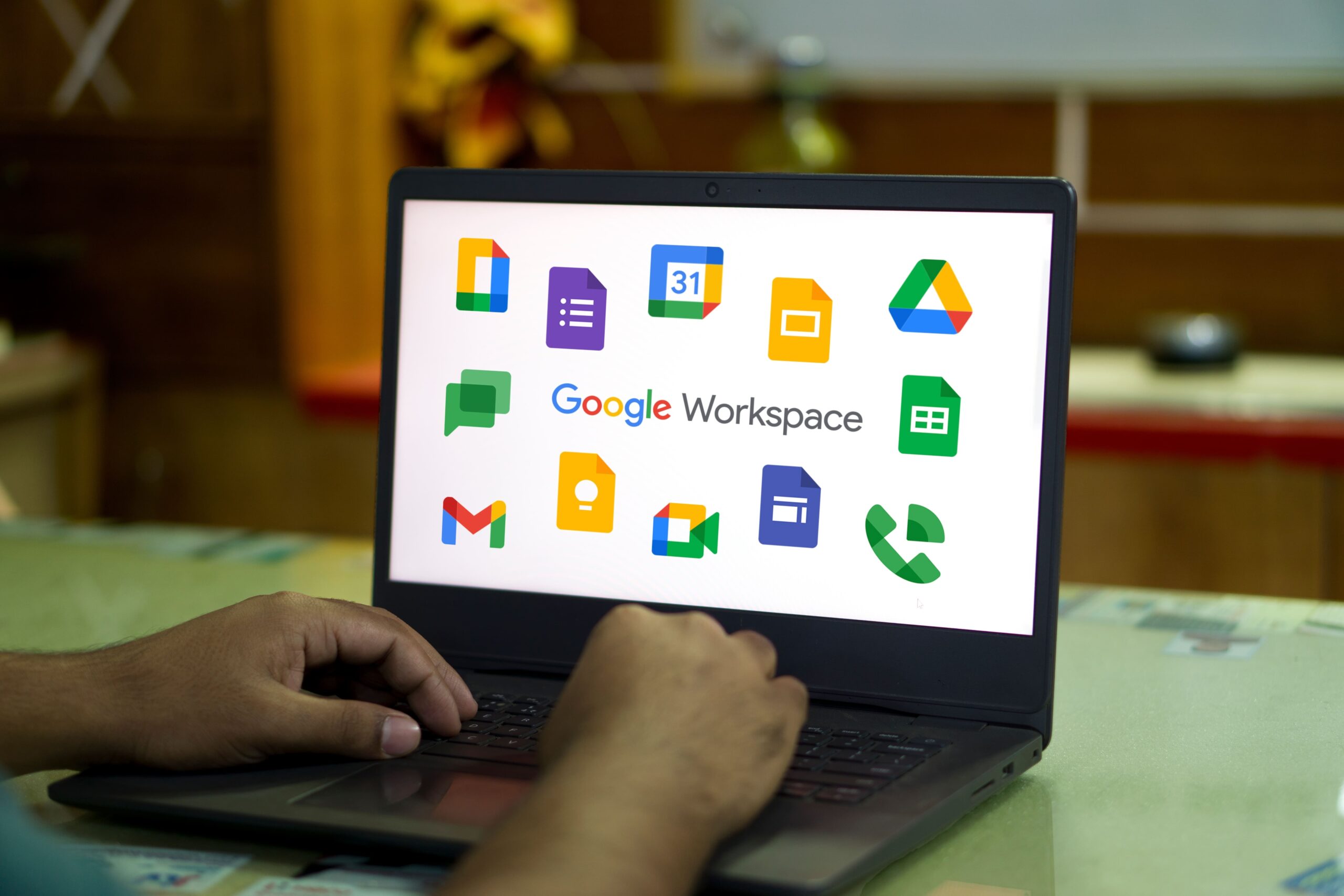
Google Workspace integrates:
- Gmail for professional email
- Google Chat for instant messaging
- Google Meet for video conferencing
- Google Calendar for scheduling
All tools are connected within a single interface.
Productivity Impact
- Fewer distractions from switching apps
- Faster decision-making through real-time communication
- Reduced email overload with Chat-based discussions
Employees stay focused on tasks instead of managing tools.
3. Real-Time Collaboration Changes How Teams Work
Traditional document workflows rely on emailing files back and forth, leading to delays and errors.
Google Workspace’s Collaborative Model
With Google Docs, Sheets, and Slides:
- Multiple users can edit the same file simultaneously
- Comments and suggestions allow instant feedback
- Version history tracks every change automatically
- Files are saved in real time with no manual uploads
Educational Insight
This model encourages:
- Collaborative thinking instead of sequential work
- Faster approvals and reviews
- Shared ownership of content
Teams complete projects in hours instead of days.
4. Cloud-Native Access Enables Flexible Work
Modern productivity depends on location independence.
Google Workspace Advantage
Because it’s cloud-native:
- Files are accessible from any device
- No VPN is required for basic access
- Mobile apps support full productivity
- Offline mode syncs changes automatically
Business Benefit
- Employees work efficiently from home, office, or travel
- Reduced dependency on physical infrastructure
- Business continuity during disruptions
Productivity continues regardless of location.
5. Smarter Meetings and Better Time Utilization
Meetings can either boost or destroy productivity.
Google Workspace Improves Meetings By:
- One-click meeting creation from Calendar
- Automatic Meet links in invites
- Live captions and recordings
- AI-powered meeting summaries (selected plans)
Educational Perspective
By simplifying scheduling and improving meeting quality:
- Less time is spent coordinating
- Meetings become more focused and documented
- Follow-ups are clearer and faster
Teams spend more time executing and less time coordinating.
6. Intelligent File Management Saves Time
Searching for files is a hidden productivity cost.
Google Drive Capabilities
- Centralized cloud storage
- Powerful search using file names, content, and owners
- Shared Drives for teams and departments
- Permission-based access control
Productivity Impact
- No duplicated work due to lost files
- Faster onboarding for new employees
- Clear ownership of documents
Information becomes instantly accessible.
7. Built-In Security Enables Faster Workflows
Security is often seen as a barrier to productivity—but with Google Workspace, it’s built-in.
Key Security Features
- Two-step verification
- Data Loss Prevention (DLP)
- Endpoint management
- Admin controls and audit logs
Educational Insight
When security is automated and centrally managed:
- Employees don’t need manual approvals for access
- IT teams spend less time firefighting
- Compliance becomes easier to manage
Secure systems allow faster, confident work.
8. AI-Powered Assistance Reduces Manual Effort
Google Workspace uses artificial intelligence to assist users during everyday tasks.
Examples of AI Productivity Enhancements
- Smart Compose and Smart Reply in Gmail
- Suggested charts and formulas in Sheets
- Automated grammar and writing suggestions in Docs
- Meeting insights and summaries
Learning Benefit
AI reduces:
- Repetitive typing
- Human error
- Time spent on low-value tasks
Employees focus on creativity and strategy instead of routine work.
9. Workflow Automation and App Integrations
Productivity improves when systems work together.
Google Workspace Integrates With:
- CRM platforms
- HR and payroll tools
- Project management software
- Custom business applications
Educational View
Using APIs and automation:
- Tasks flow between systems automatically
- Manual data entry is reduced
- Processes become consistent and scalable
Workflows become faster and more reliable.
10. Scalability Supports Long-Term Productivity
As businesses grow, productivity tools must scale without complexity.
Google Workspace Benefits
- Easy user onboarding and deprovisioning
- Central admin management
- Flexible pricing plans
- Consistent experience across teams
Productivity doesn’t decline as organizations expand.
Why CloudFirst Is the Right Google Workspace Partner
Adopting Google Workspace alone isn’t enough—proper implementation and optimization matter.
CloudFirst helps organizations:
- Migrate from legacy email and collaboration systems
- Design secure and compliant Workspace environments
- Train users for maximum adoption
- Optimize costs and usage over time
Conclusion
Google Workspace improves productivity not by adding more tools, but by removing friction from everyday work. Through unified communication, real-time collaboration, secure cloud access, and intelligent automation, it enables teams to work faster, collaborate better, and focus on meaningful outcomes.
With CloudFirst as your trusted partner, businesses can fully realize the productivity benefits of Google Workspace—today and in the future.